NES
Blazing Blocks
Play online for free: no sign-up, no install, right in your browser.
Emulator
- Frame rate
- 0 FPS
- Speed
- 0 %
- Uptime
- 0:00
- Controller
- Keyboard
Emulated console
- CPU
- Ricoh 2A03 (6502), 1.79 MHz
- Memory
- 2 KB RAM
- Video
- PPU, 256×240, 54 colors
- Video memory
- 2 KB VRAM
- Sound
- 5 channels: 2 pulse, triangle, noise, DPCM
- Cartridge
- Mapper 2 · UxROM, 64 KB / RAM
- Emulator core
- FCEUmm (EmulatorJS)
About Blazing Blocks
- Platform
- NES
- Developer
- Antoine Pantys (code and graphics); Ma2e (music)
- Year
- 2023
- Genre
- Puzzle
- Players
- 1
- License
- Homebrew
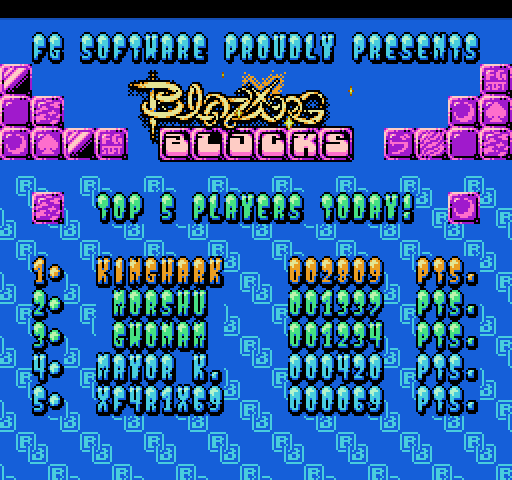
Antoine Fantys (Vectrex28) of FG Software made this block puzzle, with music by Stian "mA2E" Gudbrandsen.
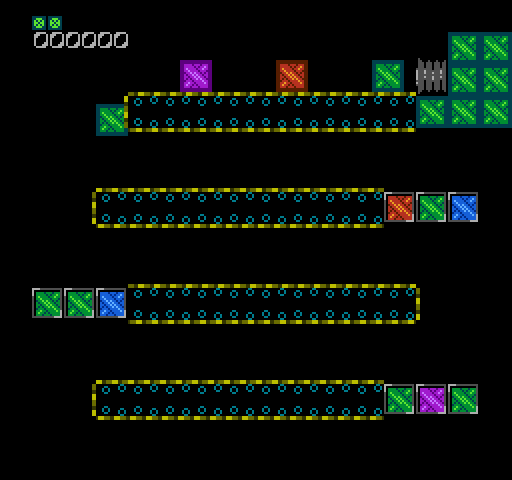
You get three random blocks to place on a square grid. Once all three are down, three more arrive, and full rows or columns clear to make room; bigger combos and streaks score more. Select sends a block to the hold area for later. You also start with three one-use helpers: a bomb that clears blocks around where it lands, a hammer that pushes blocks down and can set off a big combo, and a cross-out that clears a whole row and column.
There are six backgrounds, four of them animated, and an attract mode. The game runs on both NTSC and PAL consoles; Fiskbit helped with hardware testing. It is a free download, released in 2023.
How to play
- Controls
- The D-pad picks and moves blocks, A places, B returns a block to the tray, Select sends it to the hold area.
Facts
- Programming, graphics and sound effects by Antoine Fantys; music by Stian "mA2E" Gudbrandsen.
- Released by FG Software in 2023.
- Compatible with NTSC and PAL consoles.
Cartridge
- Mapper
- 2 · UxROM
- PRG / CHR
- 64 KB / RAM
- Mirroring
- Vertical
- Saves
- No
65,552 bytes · CRC32 677EACC7 · MD5 31b988139d4f1d5788b44719bb97a79a
Keyboard controls
- D-pad
- ← ↑ ↓ →
- A
- Z
- B
- X
- Start
- Enter
- Select
- V
Steam Controller
- D-pad
- D-pad
- A
- A
- B
- B
- Start
- Start
- Select
- Select
Xbox controller
- D-pad
- D-pad
- A
- A
- B
- B
- Start
- Menu
- Select
- View
DualSense controller
- D-pad
- D-pad
- A
- ✕
- B
- ○
- Start
- Options
- Select
- Create
Keys and controller buttons can be remapped with the Controls button under the game. Save and Load keep a snapshot of the game in your browser. Steam Controller works as a gamepad through Steam Input. On phones, on-screen buttons appear.