NES
Concentration Room
Play online for free: no sign-up, no install, right in your browser.
Emulator
- Frame rate
- 0 FPS
- Speed
- 0 %
- Uptime
- 0:00
- Controller
- Keyboard
Emulated console
- CPU
- Ricoh 2A03 (6502), 1.79 MHz
- Memory
- 2 KB RAM
- Video
- PPU, 256×240, 54 colors
- Video memory
- 2 KB VRAM
- Sound
- 5 channels: 2 pulse, triangle, noise, DPCM
- Cartridge
- Mapper 0 · NROM, 16 KB / 8 KB
- Emulator core
- FCEUmm (EmulatorJS)
About Concentration Room
- Platform
- NES
- Developer
- Damian Yerrick
- Year
- 2010
- Genre
- Board and card, Puzzle
- Players
- 1-2
- License
- Homebrew
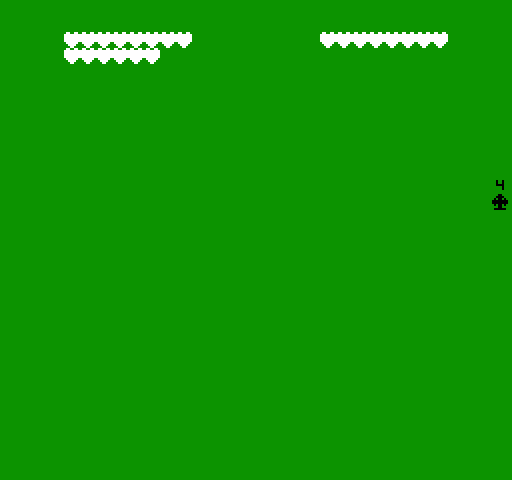
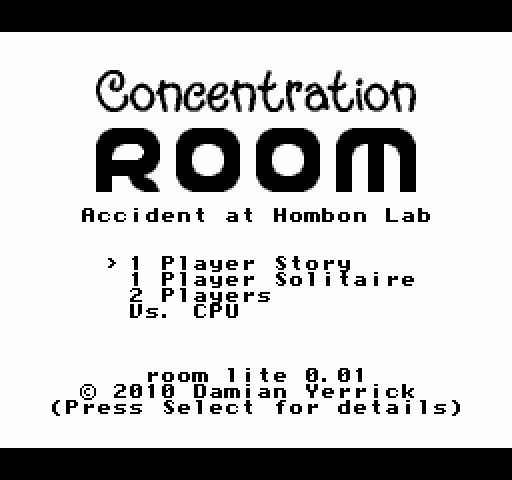
Damian Yerrick's card-matching game: flip two cards at a time and keep the pairs, on tables of 10 to 72 cards.
The story mode is set after an accident at a biochemical lab releases a neurotoxin; you have been quarantined after exposure, and the card game is what keeps you sane. There are also solitaire, two-player and versus-computer modes, with computer players from Preschool to Lab Technician. In two-player games the controller is passed between players.
It is part of Yerrick's Pin Eight NES software, with source included, and it appears on the first and fourth Action 53 multicarts.
How to play
- Controls
- In two-player games the controller is passed between players.
Facts
- Tables of 10, 20, 36, 52 or 72 face-down cards.
- Source and binaries are on Pin Eight.
- Included on Action 53 Volume 1 and Vol. 4.
Cartridge
- Mapper
- 0 · NROM
- PRG / CHR
- 16 KB / 8 KB
- Mirroring
- Vertical
- Saves
- No
24,592 bytes · CRC32 4214AB84 · MD5 2786e8884a8c9dbc0f6e9e6d691c185b
Keyboard controls
- D-pad
- ← ↑ ↓ →
- A
- Z
- B
- X
- Start
- Enter
- Select
- V
Steam Controller
- D-pad
- D-pad
- A
- A
- B
- B
- Start
- Start
- Select
- Select
Xbox controller
- D-pad
- D-pad
- A
- A
- B
- B
- Start
- Menu
- Select
- View
DualSense controller
- D-pad
- D-pad
- A
- ✕
- B
- ○
- Start
- Options
- Select
- Create
Keys and controller buttons can be remapped with the Controls button under the game. Save and Load keep a snapshot of the game in your browser. Steam Controller works as a gamepad through Steam Input. On phones, on-screen buttons appear.