NES
Dushlan
Play online for free: no sign-up, no install, right in your browser.
Emulator
- Frame rate
- 0 FPS
- Speed
- 0 %
- Uptime
- 0:00
- Controller
- Keyboard
Emulated console
- CPU
- Ricoh 2A03 (6502), 1.79 MHz
- Memory
- 2 KB RAM
- Video
- PPU, 256×240, 54 colors
- Video memory
- 2 KB VRAM
- Sound
- 5 channels: 2 pulse, triangle, noise, DPCM
- Cartridge
- Mapper 0 · NROM, 32 KB / 8 KB
- Emulator core
- FCEUmm (EmulatorJS)
About Dushlan
- Platform
- NES
- Developer
- Peter McQuillan (music and sounds by Teuthida)
- Year
- 2016
- Genre
- Puzzle
- Players
- 1
- License
- Homebrew
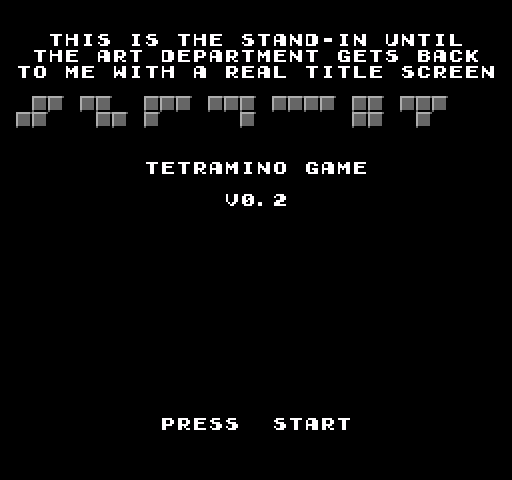
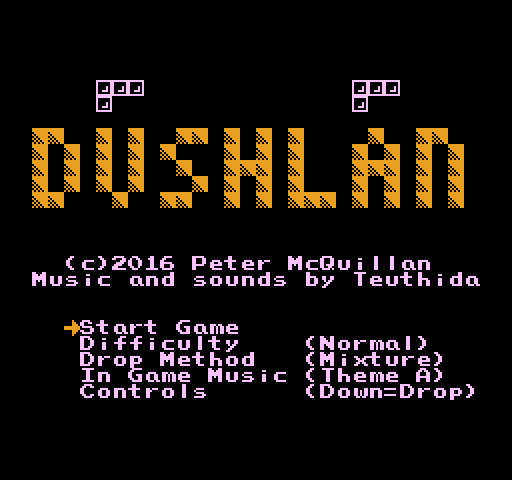
Peter McQuillan's falling-block puzzle for players who find classic Tetris too easy; Dúshlán is Irish for challenge.
Ten levels each add a twist: new piece shapes beyond the standard seven, upside-down wells, sliding and rising floors, random hazards, attacks from the side and extra lines pushed in from below. Some levels ask you to clear a number of lines, others to defuse every bomb in time or reach a line target before you run out of pieces. You can save a piece and swap it in later, and switch a ghost piece on or off.
The options set the difficulty, how pieces drop, the music and whether Down drops or rotates. Music and sound are by Teuthida. Mega Cat Studios manufactured and distributed the cartridge, which works on both NTSC and PAL consoles.
Facts
- Created by Peter McQuillan; manufactured and distributed by Mega Cat Studios.
- The cartridge works on NTSC and PAL consoles.
- Features include new shapes, upside-down levels, rising floors and a save-and-swap system.
Cartridge
- Mapper
- 0 · NROM
- PRG / CHR
- 32 KB / 8 KB
- Mirroring
- Horizontal
- Saves
- No
40,976 bytes · CRC32 F9BC6AED · MD5 562731c16429c8948fe4b40072db1903
Keyboard controls
- D-pad
- ← ↑ ↓ →
- A
- Z
- B
- X
- Start
- Enter
- Select
- V
Steam Controller
- D-pad
- D-pad
- A
- A
- B
- B
- Start
- Start
- Select
- Select
Xbox controller
- D-pad
- D-pad
- A
- A
- B
- B
- Start
- Menu
- Select
- View
DualSense controller
- D-pad
- D-pad
- A
- ✕
- B
- ○
- Start
- Options
- Select
- Create
Keys and controller buttons can be remapped with the Controls button under the game. Save and Load keep a snapshot of the game in your browser. Steam Controller works as a gamepad through Steam Input. On phones, on-screen buttons appear.