
NES
Mine Shaft
Play online for free: no sign-up, no install, right in your browser.
Emulator
- Frame rate
- 0 FPS
- Speed
- 0 %
- Uptime
- 0:00
- Controller
- Keyboard
Emulated console
- CPU
- Ricoh 2A03 (6502), 1.79 MHz
- Memory
- 2 KB RAM
- Video
- PPU, 256×240, 54 colors
- Video memory
- 2 KB VRAM
- Sound
- 5 channels: 2 pulse, triangle, noise, DPCM
- Cartridge
- Mapper 0 · NROM, 16 KB / 8 KB
- Emulator core
- FCEUmm (EmulatorJS)
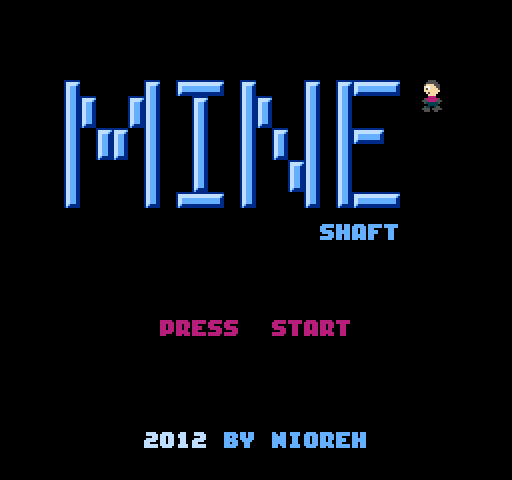
About Mine Shaft
Nioreh's endless survival game after NS-Shaft: keep a kid moving down floating ledges as the ceiling closes in.
You only walk left and right and drop to lower ledges. Red ledges cost health and blue ones restore it. Getting crushed by the ceiling or falling off the bottom ends the run.
Nioreh announced it in January 2012 as a first NES game and proof of concept, written mostly in C with Shiru's library. It is on the first Action 53 multicart as MineShaft.
How to play
- Controls
- Left and right move, Start pauses.
Facts
- Included on Action 53 Volume 1 (2013).
Cartridge
- Mapper
- 0 · NROM
- PRG / CHR
- 16 KB / 8 KB
- Mirroring
- Vertical
- Saves
- No
24,592 bytes · CRC32 E0BA29E8 · MD5 c0633d4f9f246604d4a62a00321fb58a
Keyboard controls
- D-pad
- ← ↑ ↓ →
- A
- Z
- B
- X
- Start
- Enter
- Select
- V
Steam Controller
- D-pad
- D-pad
- A
- A
- B
- B
- Start
- Start
- Select
- Select
Xbox controller
- D-pad
- D-pad
- A
- A
- B
- B
- Start
- Menu
- Select
- View
DualSense controller
- D-pad
- D-pad
- A
- ✕
- B
- ○
- Start
- Options
- Select
- Create
Keys and controller buttons can be remapped with the Controls button under the game. Save and Load keep a snapshot of the game in your browser. Steam Controller works as a gamepad through Steam Input. On phones, on-screen buttons appear.
More Action games: NES
View all StreemerzNES · Action
 CatsNES · Action
 Cat KillerNES · Action
 The MasmixNES · Action
 Rookie Egg JugglersNES · Action
 The Chrilogy Loop: For PointsNES · Action
 Candelabra Tiny Tales: The Absconder of Dungeon WarrenNES · Action
 8-Bit Slasher 4-in-1 Horror DemakesNES · Action
 Zooming SecretaryNES · Action
 Vigilante Ninja 2NES · Action
 The Paper PlaneNES · Action
 The One with the WallsNES · Action