
NES
The Mad Wizard: A Candelabra Chronicle
Play online for free: no sign-up, no install, right in your browser.
Emulator
- Frame rate
- 0 FPS
- Speed
- 0 %
- Uptime
- 0:00
- Controller
- Keyboard
Emulated console
- CPU
- Ricoh 2A03 (6502), 1.79 MHz
- Memory
- 2 KB RAM
- Video
- PPU, 256×240, 54 colors
- Video memory
- 2 KB VRAM
- Sound
- 5 channels: 2 pulse, triangle, noise, DPCM
- Cartridge
- Mapper 2 · UxROM, 128 KB / RAM
- Emulator core
- FCEUmm (EmulatorJS)
About The Mad Wizard: A Candelabra Chronicle
- Platform
- NES
- Developer
- Rob Bryant (Sly Dog Studios)
- Year
- 2014
- Genre
- Platformer, Adventure
- Players
- 1
- License
- Homebrew
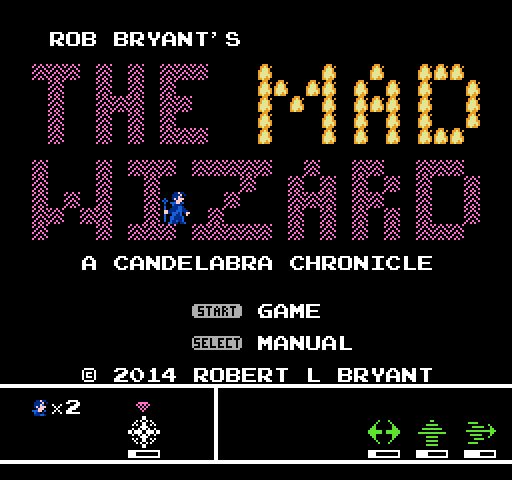
The wizard Hekl sets out to win back his homeland from the villain Amondus in this screen-by-screen fantasy adventure, the first game of Sly Dog Studios' Candelabra series.
Hekl levitates instead of jumping. He learns to float, finds spells that open new areas and upgrades his weapons, so the open-ended world gradually opens up. The adventure starts in his house, and there is a built-in manual.
Sly Dog Studios, the label of lifelong friends Rob Bryant and Shawn Christopher, sold the cartridge through retroUSB for 40 dollars around 2014 and 2015, and later made the ROM free. The cartridge works on NTSC and PAL consoles. The series continued with Candelabra: Estoscerro.
Facts
- Sold on cartridge through retroUSB; the ROM was later released free.
- Sly Dog Studios is Rob Bryant and Shawn Christopher.
- The first game of the Candelabra series.
Cartridge
- Mapper
- 2 · UxROM
- PRG / CHR
- 128 KB / RAM
- Mirroring
- Horizontal
- Saves
- No
131,088 bytes · CRC32 B4A7B014 · MD5 e321afe92f0e3efb81263d17f07c27b3
Keyboard controls
- D-pad
- ← ↑ ↓ →
- A
- Z
- B
- X
- Start
- Enter
- Select
- V
Steam Controller
- D-pad
- D-pad
- A
- A
- B
- B
- Start
- Start
- Select
- Select
Xbox controller
- D-pad
- D-pad
- A
- A
- B
- B
- Start
- Menu
- Select
- View
DualSense controller
- D-pad
- D-pad
- A
- ✕
- B
- ○
- Start
- Options
- Select
- Create
Keys and controller buttons can be remapped with the Controls button under the game. Save and Load keep a snapshot of the game in your browser. Steam Controller works as a gamepad through Steam Input. On phones, on-screen buttons appear.
More Platformer games: NES
View all Famidash: Huge ManNES · Platformer
 Famidash: B-SidesNES · Platformer
 CelesteNES · Platformer
 Cheril the GoddessNES · Platformer
 Wo Xiang Niao NiaoNES · Platformer
 Vigilante Ninja 2NES · Action
 SatsmashNES · Platformer
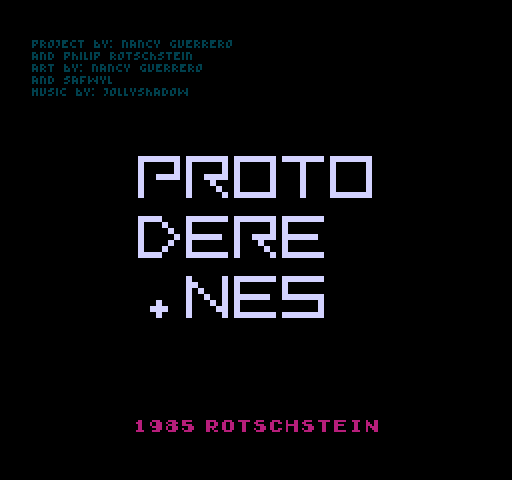 Proto DereNES · Platformer
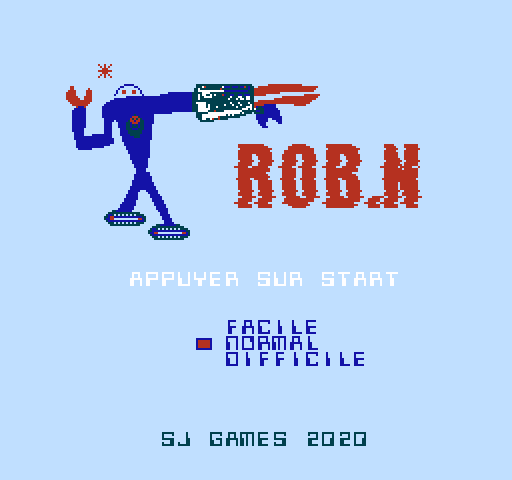 ROB.NNES · Platformer
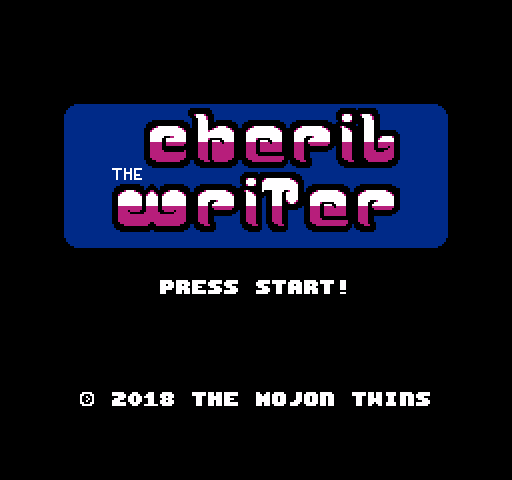 Cheril the WriterNES · Platformer
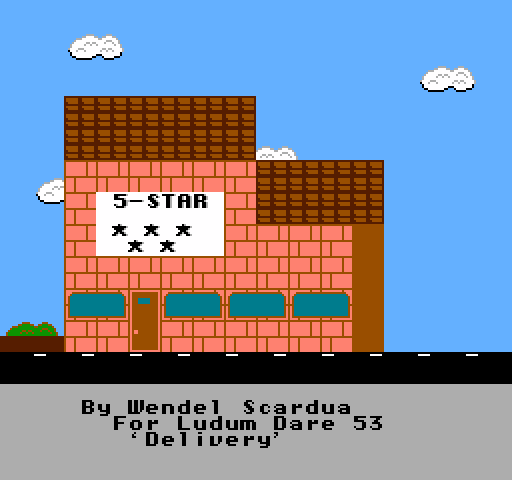 5-StarNES · Platformer
 BooteeNES · Platformer