
NES
Wolfling
Play online for free: no sign-up, no install, right in your browser.
Emulator
- Frame rate
- 0 FPS
- Speed
- 0 %
- Uptime
- 0:00
- Controller
- Keyboard
Emulated console
- CPU
- Ricoh 2A03 (6502), 1.79 MHz
- Memory
- 2 KB RAM
- Video
- PPU, 256×240, 54 colors
- Video memory
- 2 KB VRAM
- Sound
- 5 channels: 2 pulse, triangle, noise, DPCM
- Cartridge
- Mapper 2 · UxROM, 64 KB / RAM
- Emulator core
- FCEUmm (EmulatorJS)
About Wolfling
- Platform
- NES
- Developer
- Lazycow and Zolionline
- Year
- 2018
- Genre
- Platformer
- Players
- 1
- License
- Homebrew
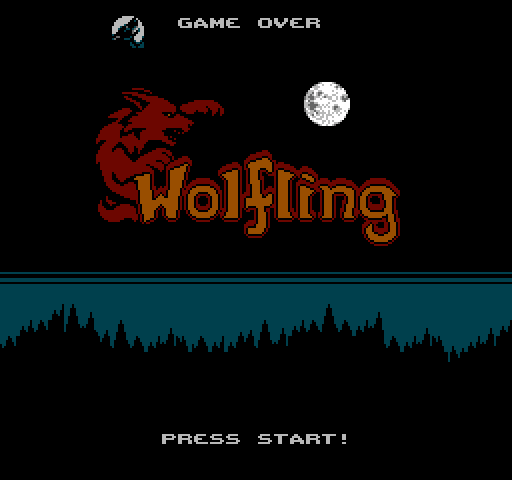
Ling wakes up imprisoned in the dungeons of Baron Baranov, who fears all creatures of the night, and has to escape his castle before dawn.
Rays of moonlight change her between human and wolf form, and each form controls differently. As a human she punches, kicks and throws daggers; as a wolf she bites, rolls and later double jumps.
Lazycow (Matthias Bock) and Zolionline made it for the 2017 NESdev competition; the progress thread first used the working title Changeling. Cyborgjeff wrote music for the later versions. A Commodore 64 conversion followed, and RGCD announced an enhanced edition for the C64, Amiga and PC in 2019 with new levels, save points and a mini-map. The NES version is on Action 53 Vol. 4.
How to play
- Controls
- Human: Left and Right run, Down crouches, A jumps, B punches, B in the air kicks, hold B to throw daggers. Wolf: Down rolls, A jumps, B bites, hold B to change back.
Facts
- Made by Lazycow and Zolionline for the 2017 NESdev competition; working title Changeling.
- A C64 conversion and an enhanced RGCD edition (2019) followed.
- Included on Action 53 Vol. 4.
Cartridge
- Mapper
- 2 · UxROM
- PRG / CHR
- 64 KB / RAM
- Mirroring
- Vertical
- Saves
- No
65,552 bytes · CRC32 4C86AD14 · MD5 78e9b671404a8d2aa68296e4bf46f92e
Keyboard controls
- D-pad
- ← ↑ ↓ →
- A
- Z
- B
- X
- Start
- Enter
- Select
- V
Steam Controller
- D-pad
- D-pad
- A
- A
- B
- B
- Start
- Start
- Select
- Select
Xbox controller
- D-pad
- D-pad
- A
- A
- B
- B
- Start
- Menu
- Select
- View
DualSense controller
- D-pad
- D-pad
- A
- ✕
- B
- ○
- Start
- Options
- Select
- Create
Keys and controller buttons can be remapped with the Controls button under the game. Save and Load keep a snapshot of the game in your browser. Steam Controller works as a gamepad through Steam Input. On phones, on-screen buttons appear.
More Platformer games: NES
View all Famidash: Huge ManNES · Platformer
 Famidash: B-SidesNES · Platformer
 CelesteNES · Platformer
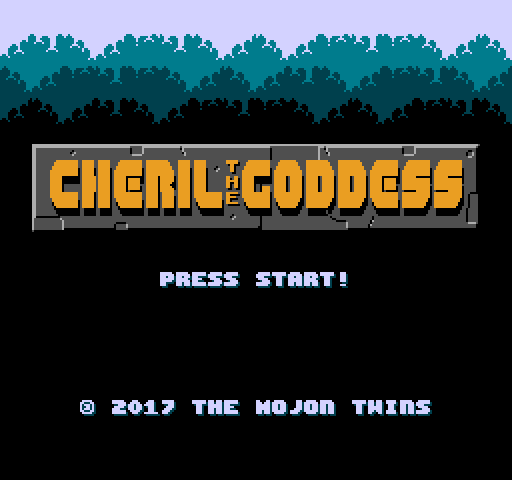 Cheril the GoddessNES · Platformer
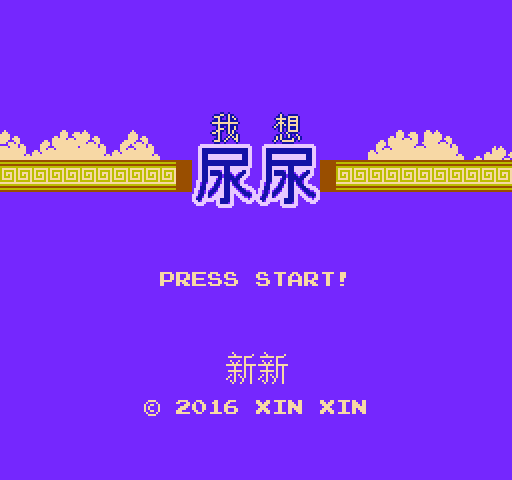 Wo Xiang Niao NiaoNES · Platformer
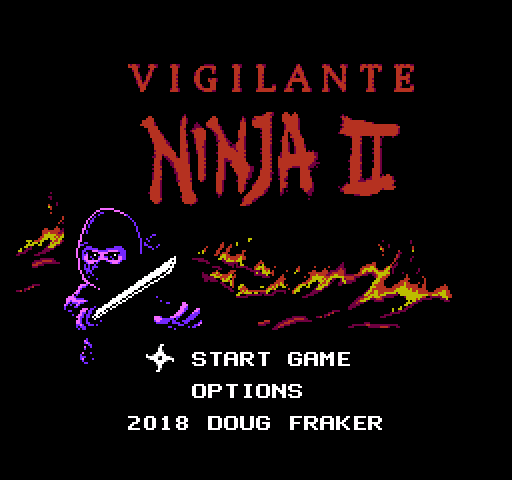 Vigilante Ninja 2NES · Action
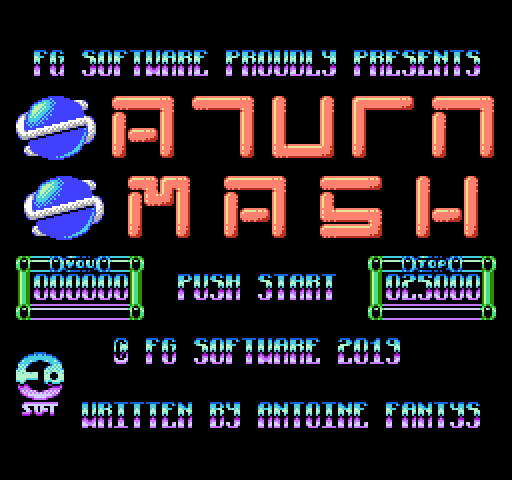 SatsmashNES · Platformer
 Proto DereNES · Platformer
 ROB.NNES · Platformer
 Cheril the WriterNES · Platformer
 5-StarNES · Platformer
 BooteeNES · Platformer