NES
BSides Cape Town 2016
Play online for free: no sign-up, no install, right in your browser.
Emulator
- Frame rate
- 0 FPS
- Speed
- 0 %
- Uptime
- 0:00
- Controller
- Keyboard
Emulated console
- CPU
- Ricoh 2A03 (6502), 1.79 MHz
- Memory
- 2 KB RAM
- Video
- PPU, 256×240, 54 colors
- Video memory
- 2 KB VRAM
- Sound
- 5 channels: 2 pulse, triangle, noise, DPCM
- Cartridge
- Mapper 0 · NROM, 16 KB / 8 KB
- Emulator core
- FCEUmm (EmulatorJS)
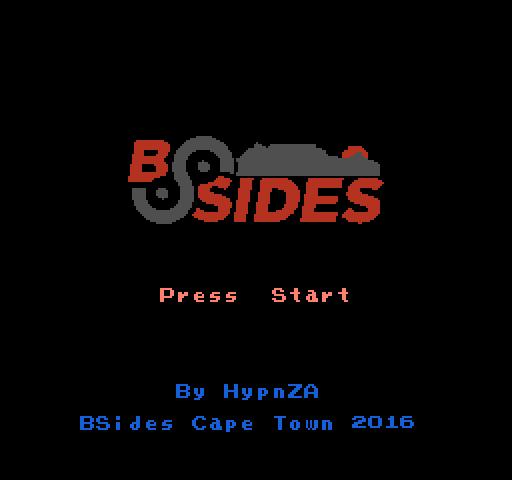
About BSides Cape Town 2016
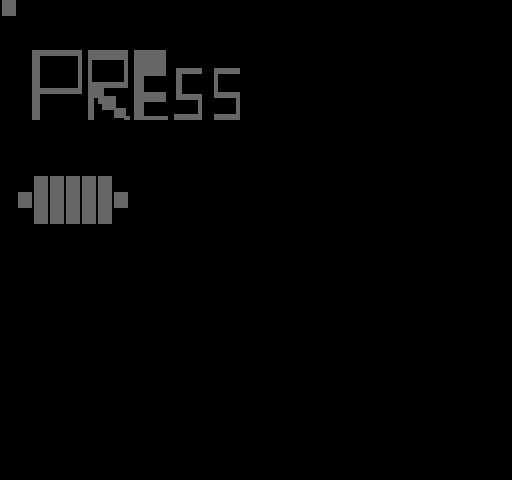
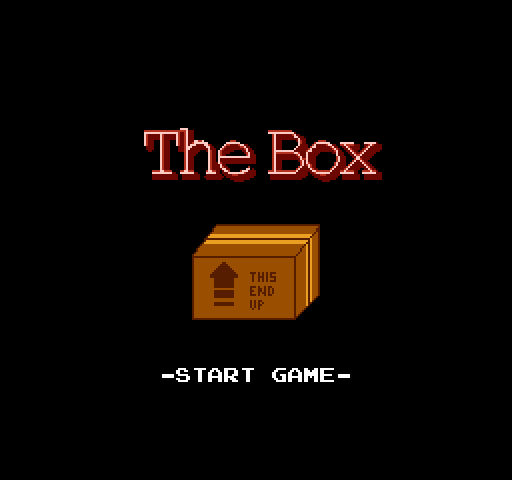
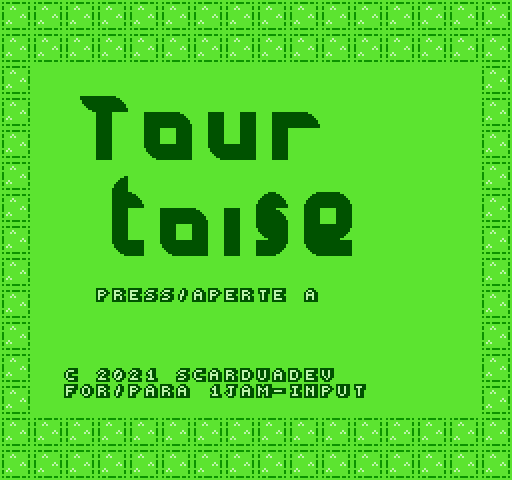
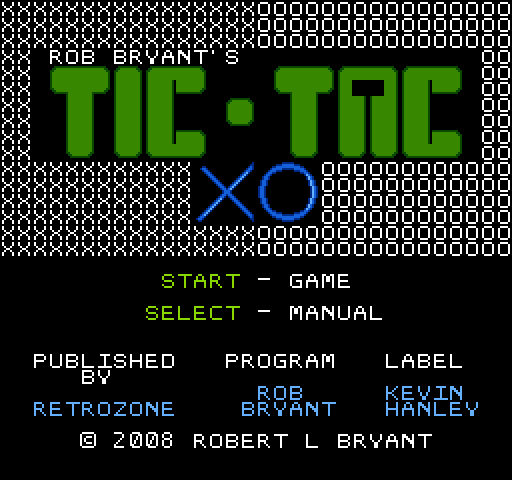
HypnZA's puzzle game for a security conference challenge: each player got a .bin file, had to recognise it as an NES ROM, run it and find the clue to a Game Genie code.
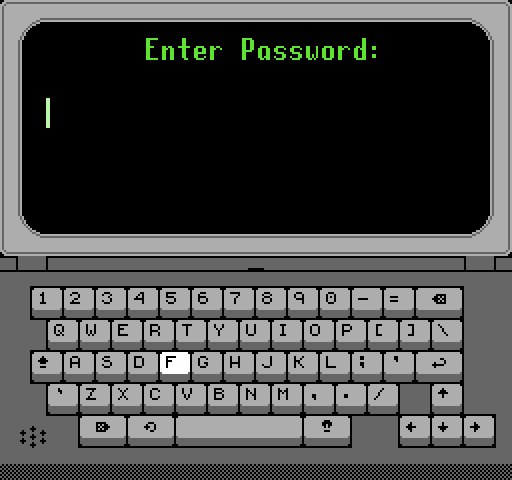
You walk a hooded hacker through rooms of terminals. Each terminal shows a fake hacking screen, from a login prompt and a password lock to a kernel panic, and the last one shows the code. There is a built-in Konami code.
It was HypnZA's first game on any platform, posted to the NESdev forum on 5 December 2016. He credited dougeff's nesdoug.com tutorials and code, and the source is on GitHub as bsides2016-nes-game. In 2018 HypnZA gave a talk at BSides Cape Town on hacking and modifying the NES Classic Mini.
Facts
- Posted to the NESdev forum by HypnZA on 5 December 2016.
- Each participant received a unique .bin file containing the ROM.
- Built with help from dougeff's nesdoug.com tutorials.
- HypnZA spoke at BSides Cape Town 2018 on modifying the NES Classic Mini.
Cartridge
- Mapper
- 0 · NROM
- PRG / CHR
- 16 KB / 8 KB
- Mirroring
- Horizontal
- Saves
- No
24,592 bytes · CRC32 7616AD8B · MD5 7ee0c248008483d0f0be83b3a0266693
Keyboard controls
- D-pad
- ← ↑ ↓ →
- A
- Z
- B
- X
- Start
- Enter
- Select
- V
Steam Controller
- D-pad
- D-pad
- A
- A
- B
- B
- Start
- Start
- Select
- Select
Xbox controller
- D-pad
- D-pad
- A
- A
- B
- B
- Start
- Menu
- Select
- View
DualSense controller
- D-pad
- D-pad
- A
- ✕
- B
- ○
- Start
- Options
- Select
- Create
Keys and controller buttons can be remapped with the Controls button under the game. Save and Load keep a snapshot of the game in your browser. Steam Controller works as a gamepad through Steam Input. On phones, on-screen buttons appear.